Setup
When the BMS powers on, it enters a Sensor Detection Sequence. If a sensor is not detected, it emits a double beep after ~10 seconds and retries every 5 seconds. This loop continues until:
- A sensor is detected
- anb_utils is launched, which pauses the BMS operation
- a character is sent from a command line prompt
- With the sensor not connected, connect the BMS comms line to a DTU via the supplied cable.
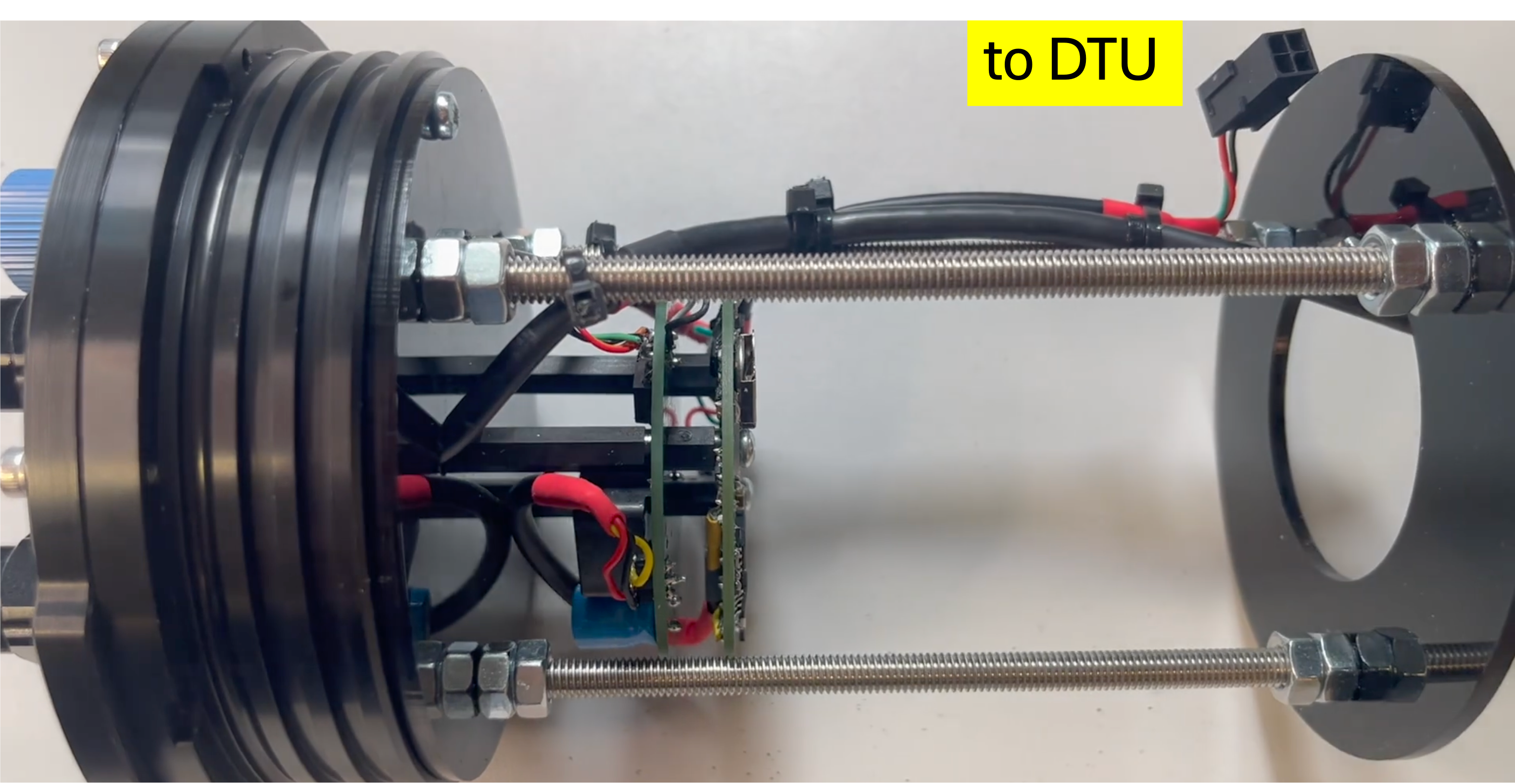
- Open anb_utils
- Connect the BMS to the battery, wait to hear the double beep (approximately 10s) and then click on the correct COM port in utils. The BMS will connect and the following will be displayed:
********************************************************************
                   ANB SENSORS
     Sensor Type                 : BMS
     Sub System Type             : BMS_900
     BMS Firmware Version        : BMS_3.36       Latest
     BMS Serial Number           : 180001
     System Date (MM/DD/YY)      : 06/09/26
     System Time (24 Hour)       : 12:20:00
     Device Connected            : ANB Sensor
     SD Card                     : Enabled
     Battery Voltage Status      : 8.0V
     Battery Voltage Maximum     : 22.0V
     Battery Discharge Threshold : 8.0V
     RTC Battery Condition       : 3.1V
********************************************************************

Main Menu - What would you like to do?

1 Modify Settings
2 Install New Firmware
3 Command Line Prompt
note
If the sensor is connected you will also see the sensor information on the splash screen